Moviebox-API
Screenshots
A visual tour of MovieBox API Pro’s frontend at /app. Every image is a real
frame from a running instance — no mockups, no faked data.
All screenshots are 1440×900, captured with light UI polish, browser zoom 100%.
Home
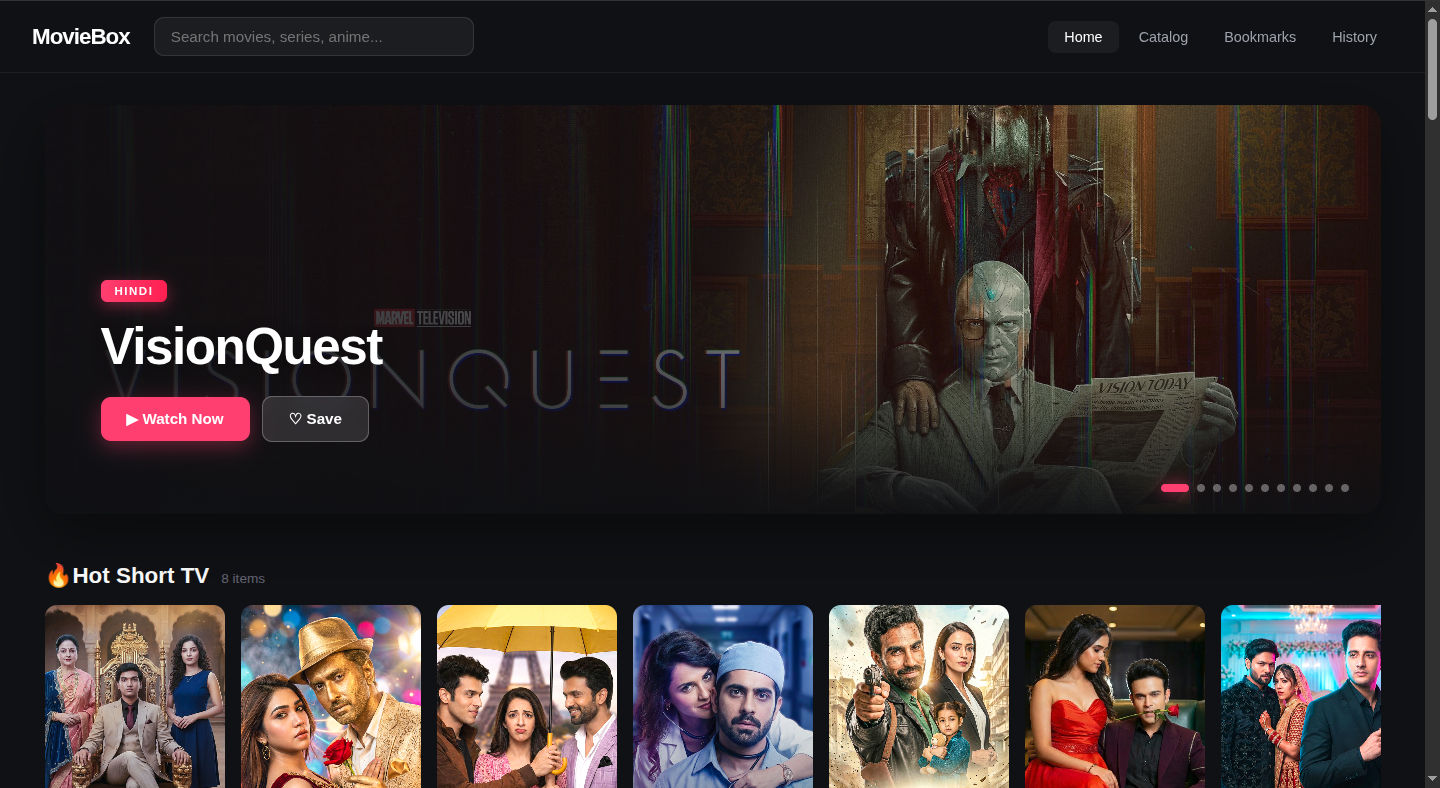
The landing page. Hero carousel auto-rotates every 6 seconds with Ken Burns zoom on the backdrop. Arrows and dots appear on hover. Below the hero, every home section renders as a horizontal scroll row with poster cards.
Search
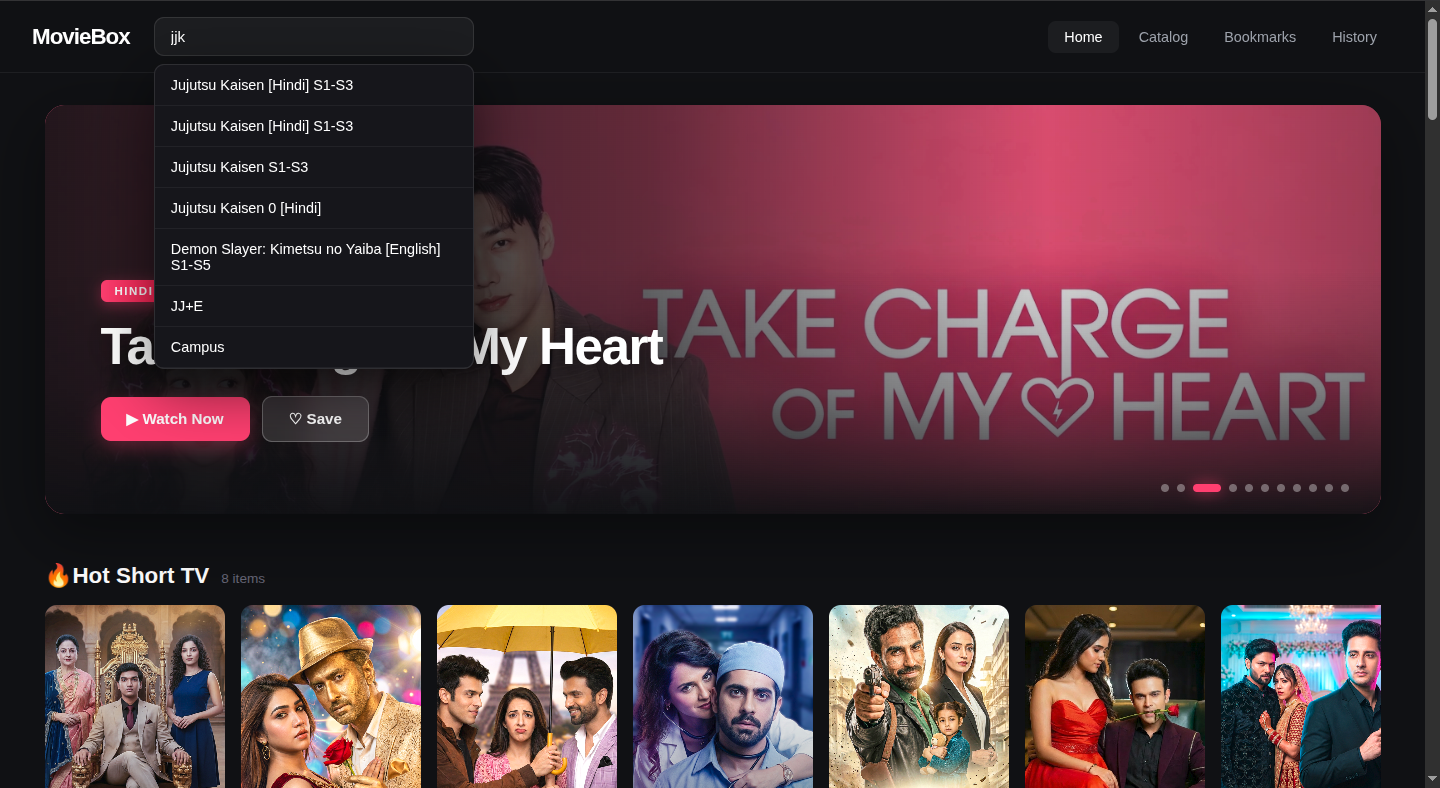
Typeahead in the header. Hits /search/suggest?enrich=true after 300ms of
typing. Shows titles only — click to navigate to the detail page. Slugs are
resolved via a second /search call per suggestion.
Catalog
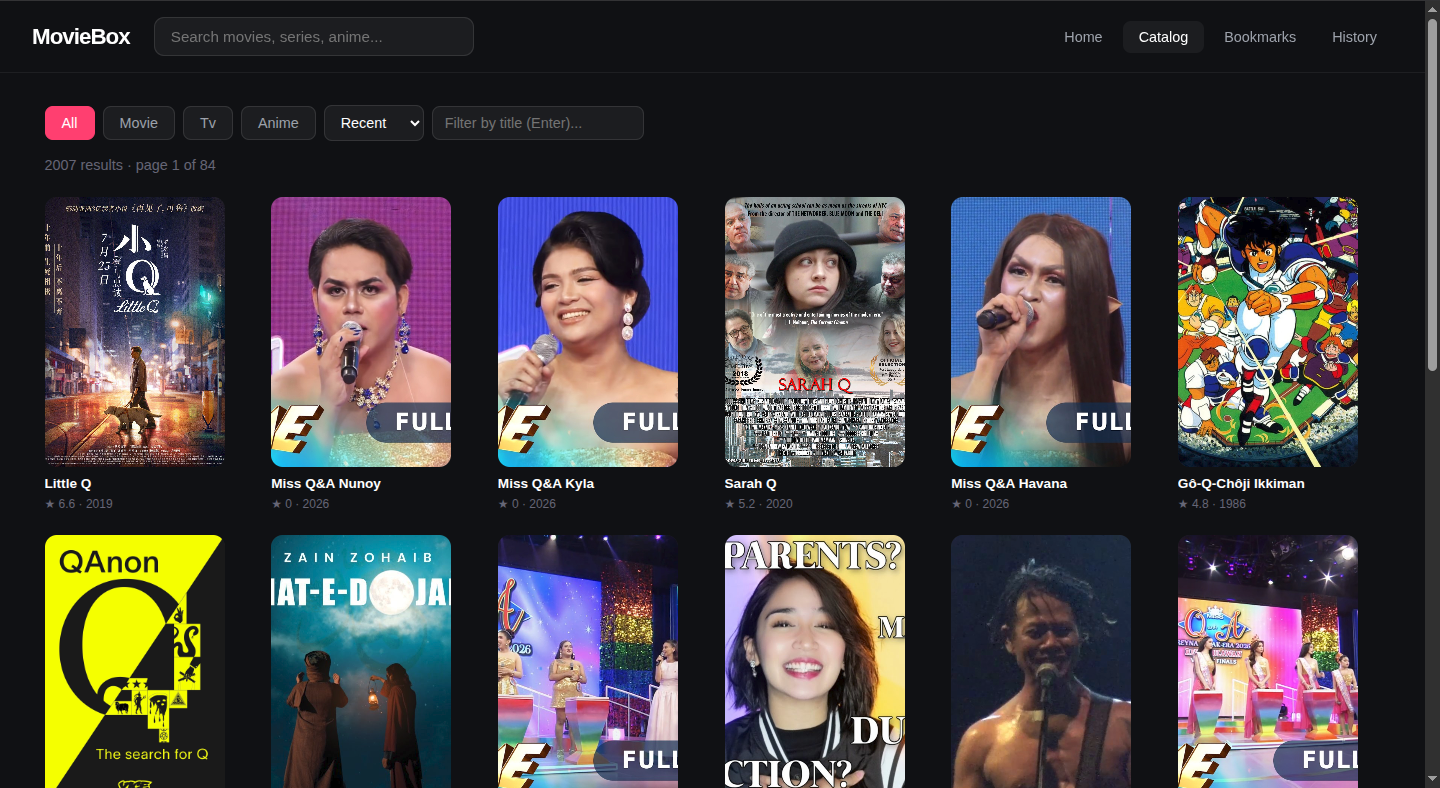
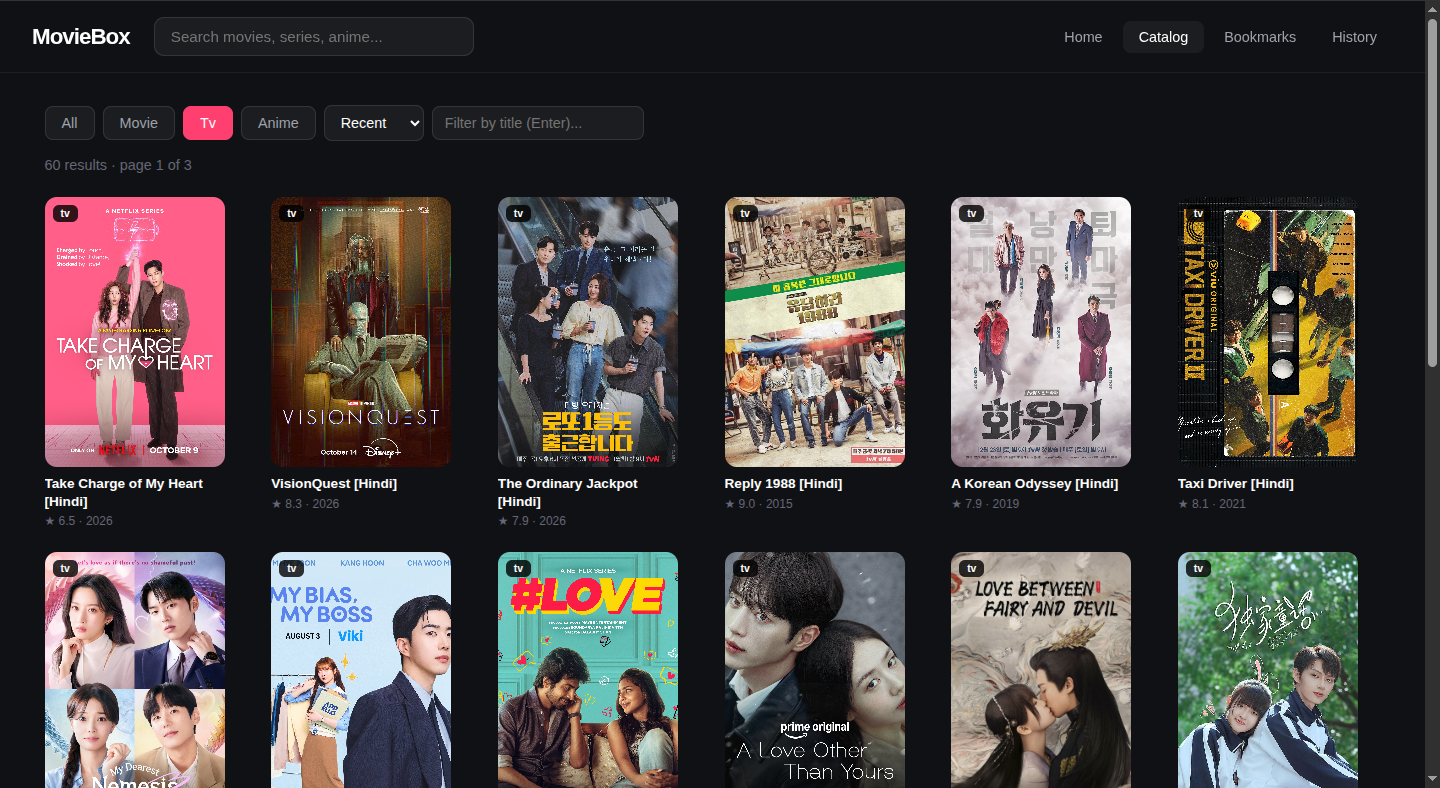
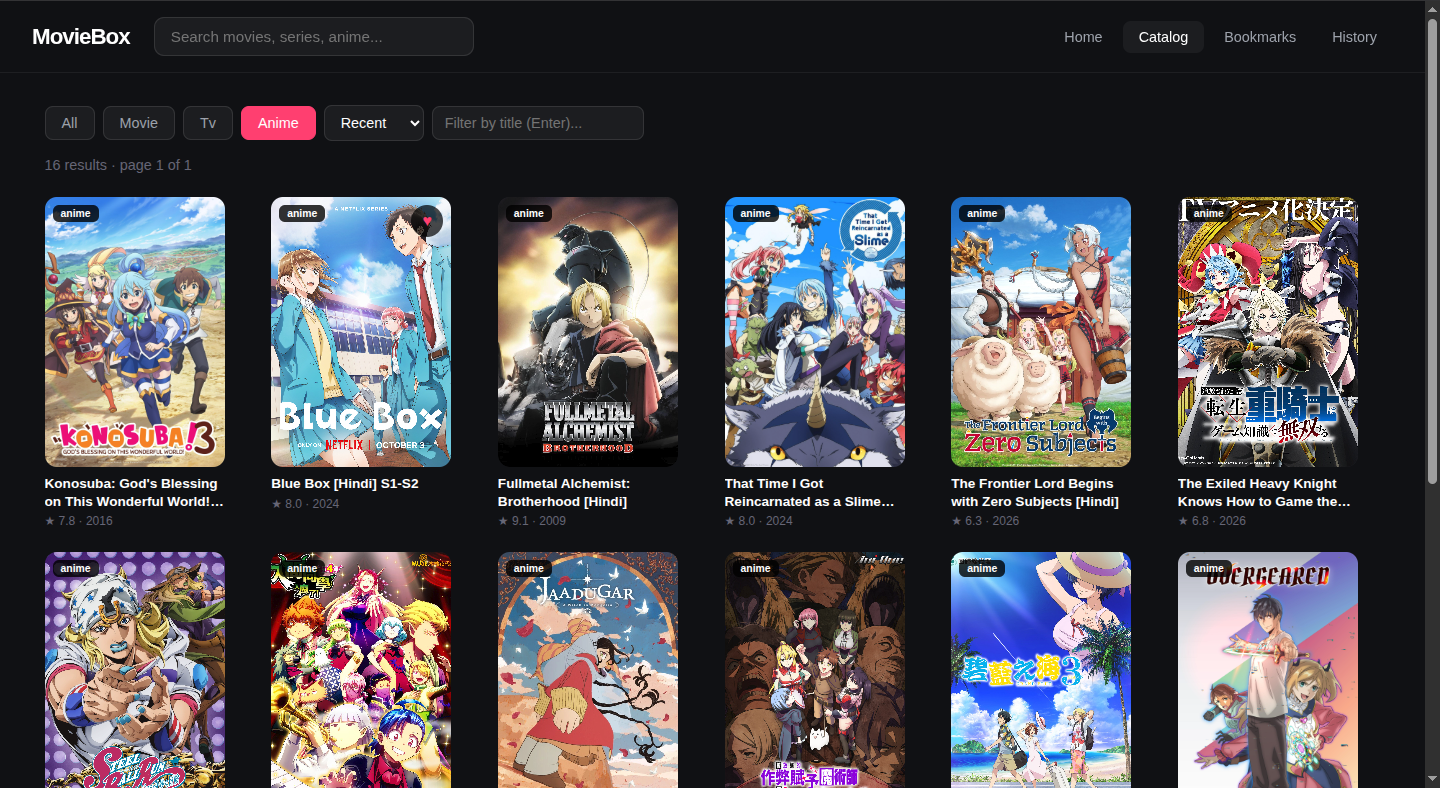
The indexed catalog. 1700+ subjects backed by SQLite, refreshed every 6 hours. Type tabs, sort dropdown, and title filter all live-update the URL so the page state is bookmarkable.
Filtered by type
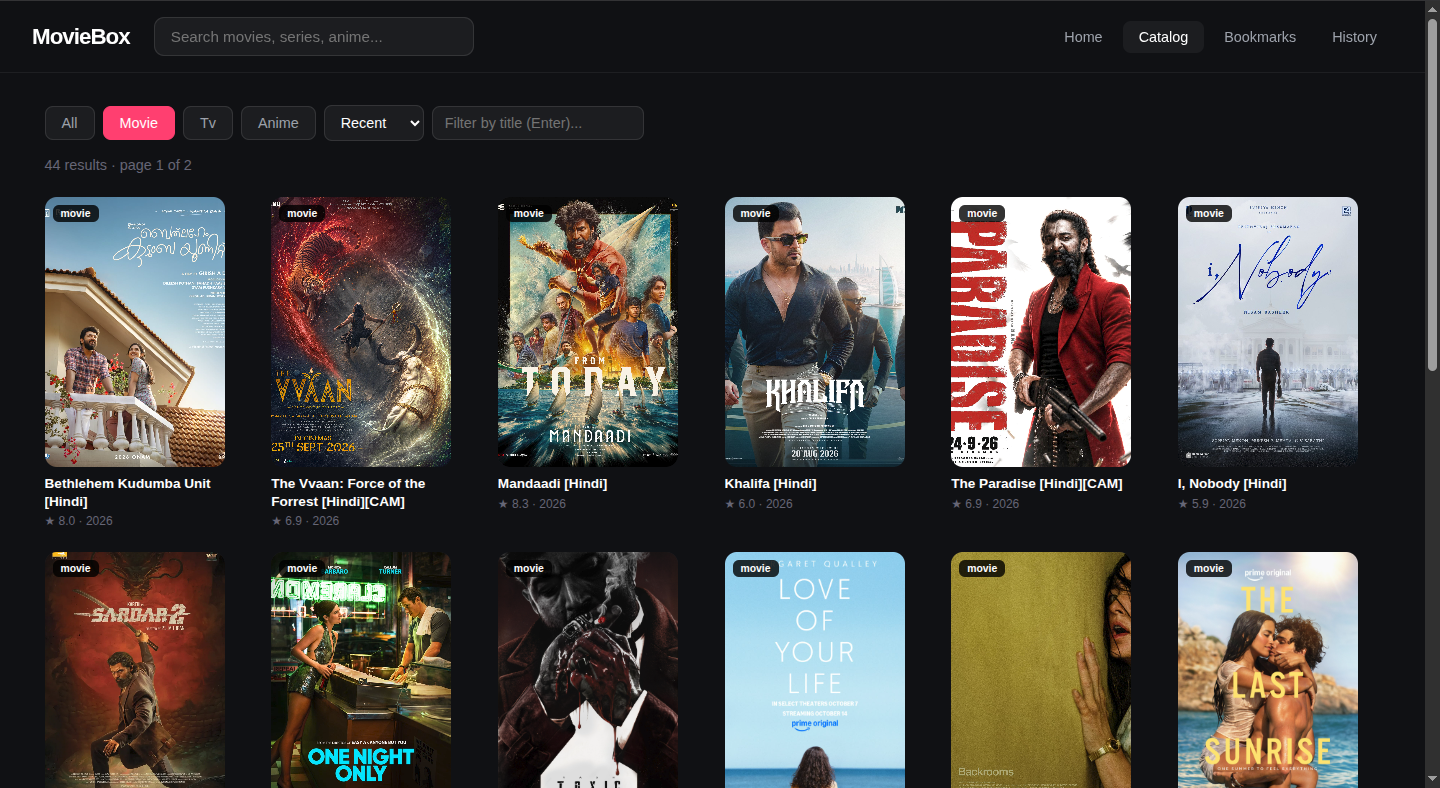
Each type filter reads from the SQLite index — counts are real, not
sentinel-stubbed. type=movie at 400+ after enrichment, type=tv at ~350,
type=anime at ~100.
 |
 |
Detail / Episodes
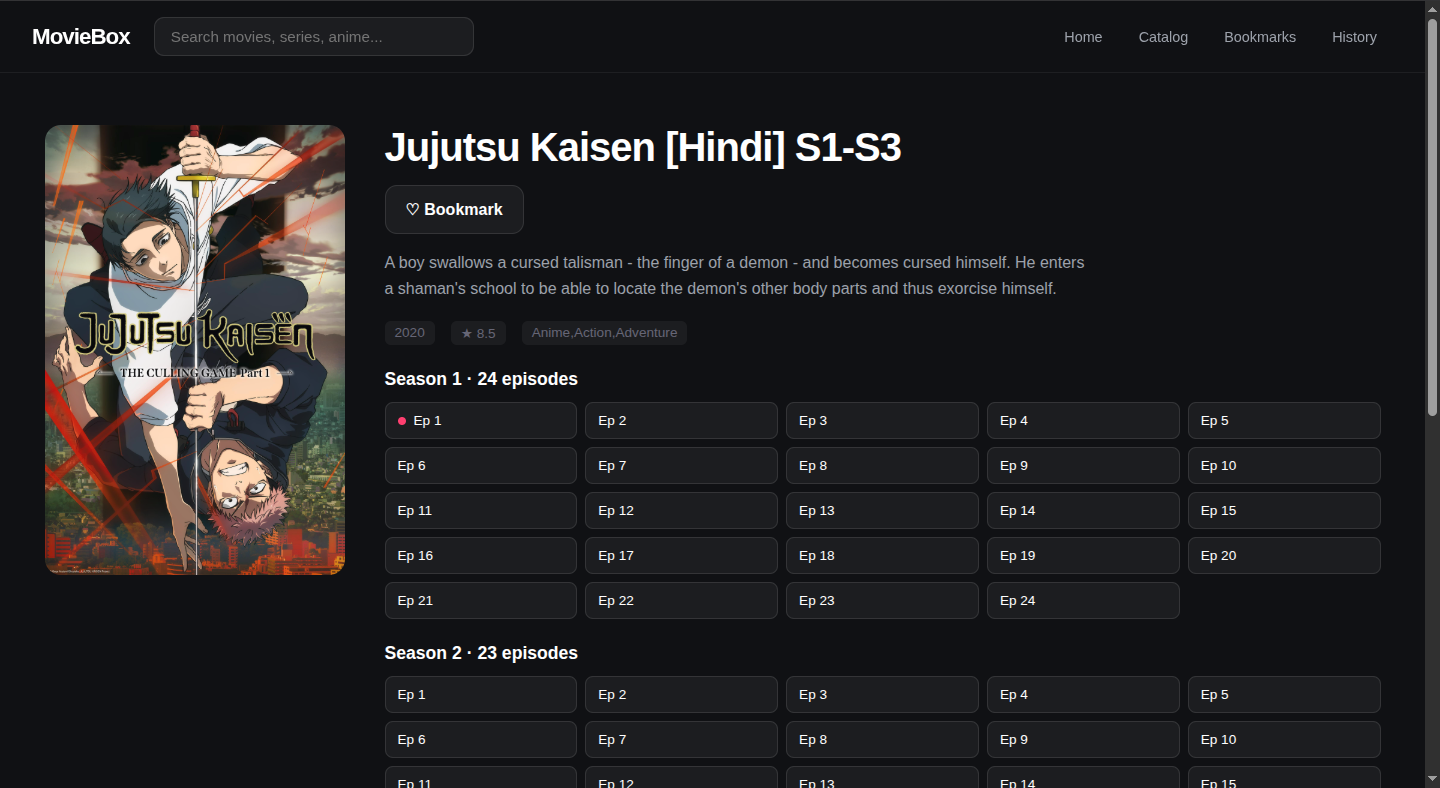
Full metadata page for a subject: poster, description, IMDb rating, genre, cast chips, dub language links, and either a Play button (movies) or a season/ episode grid (series). Watched episodes get a red dot. Access notes explain upstream’s free-episode rules without implying a gate.
Player
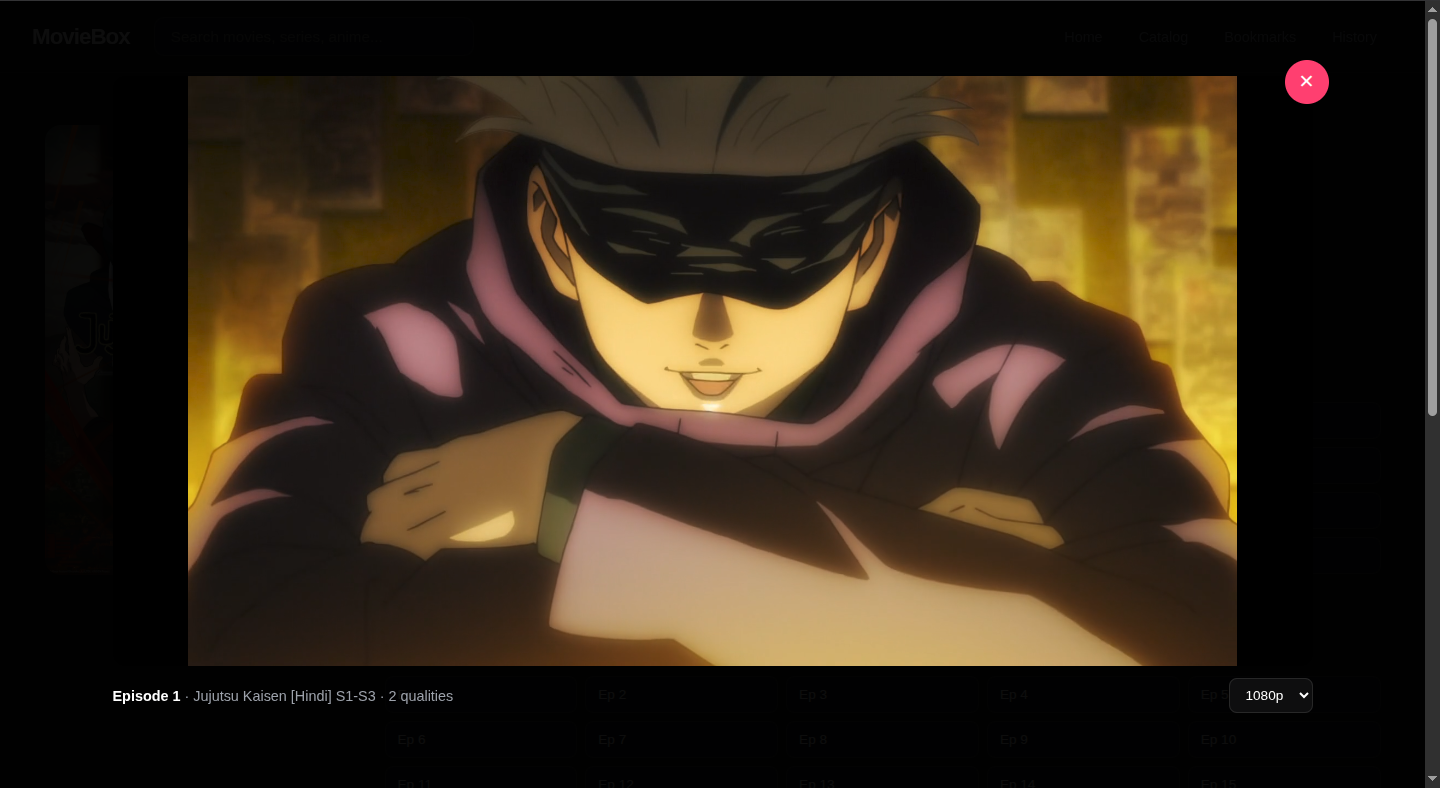
Modal overlay. HTML5 <video> streaming through /api/stream/{sid}/proxy
with Range support — seeking works out of the box. Quality picker (top right),
subtitle picker (right of quality), resume toast if you’ve watched before,
keyboard shortcuts for space/arrows/f/m/esc. Subtitles render from
/api/stream/{sid}/subtitles/{lang} as native <track> elements.
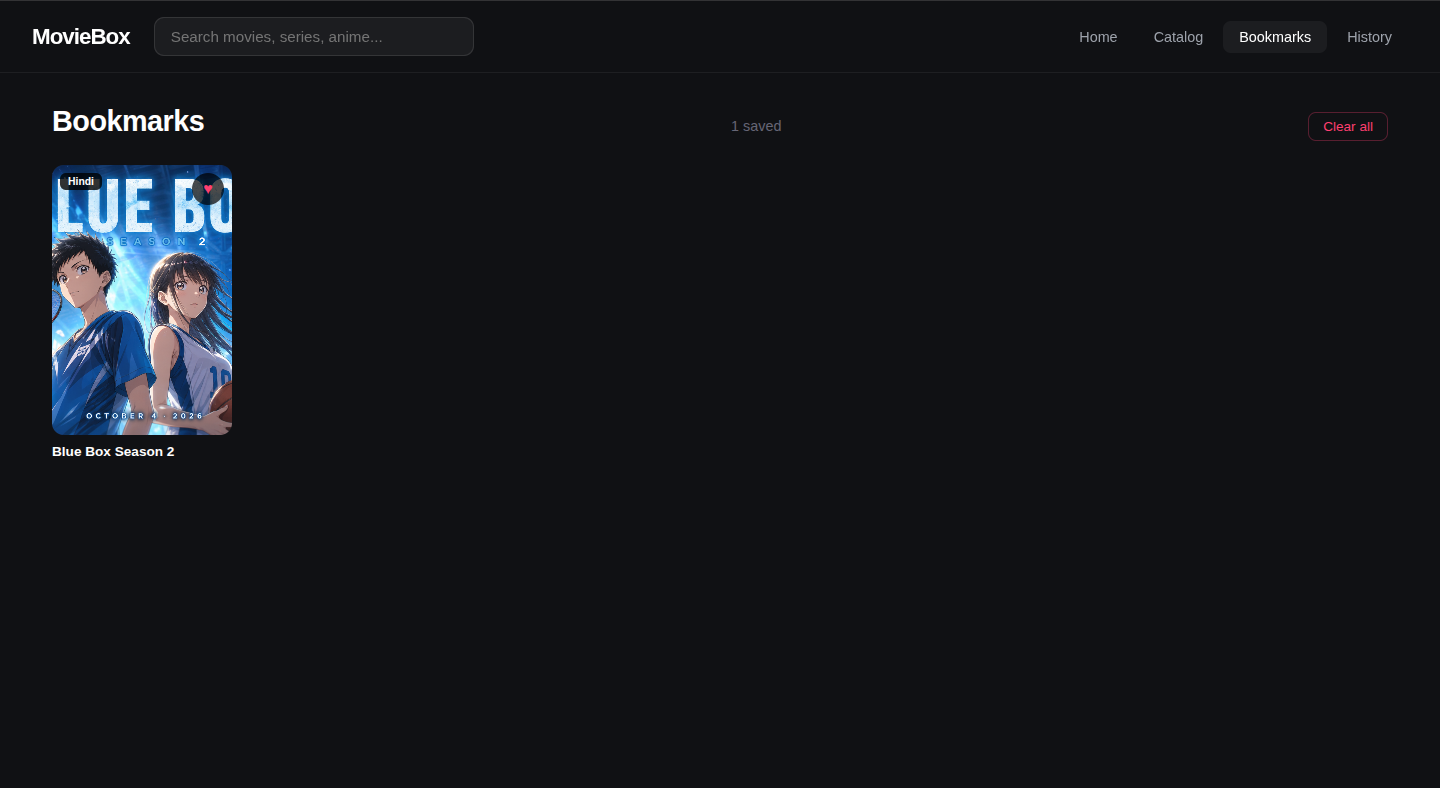
Bookmarks
Every poster has a heart button that appears on hover. Clicking saves the
title to localStorage under mb_bookmarks. The Bookmarks page lists
everything saved, sorted by save time, with a Clear all button.
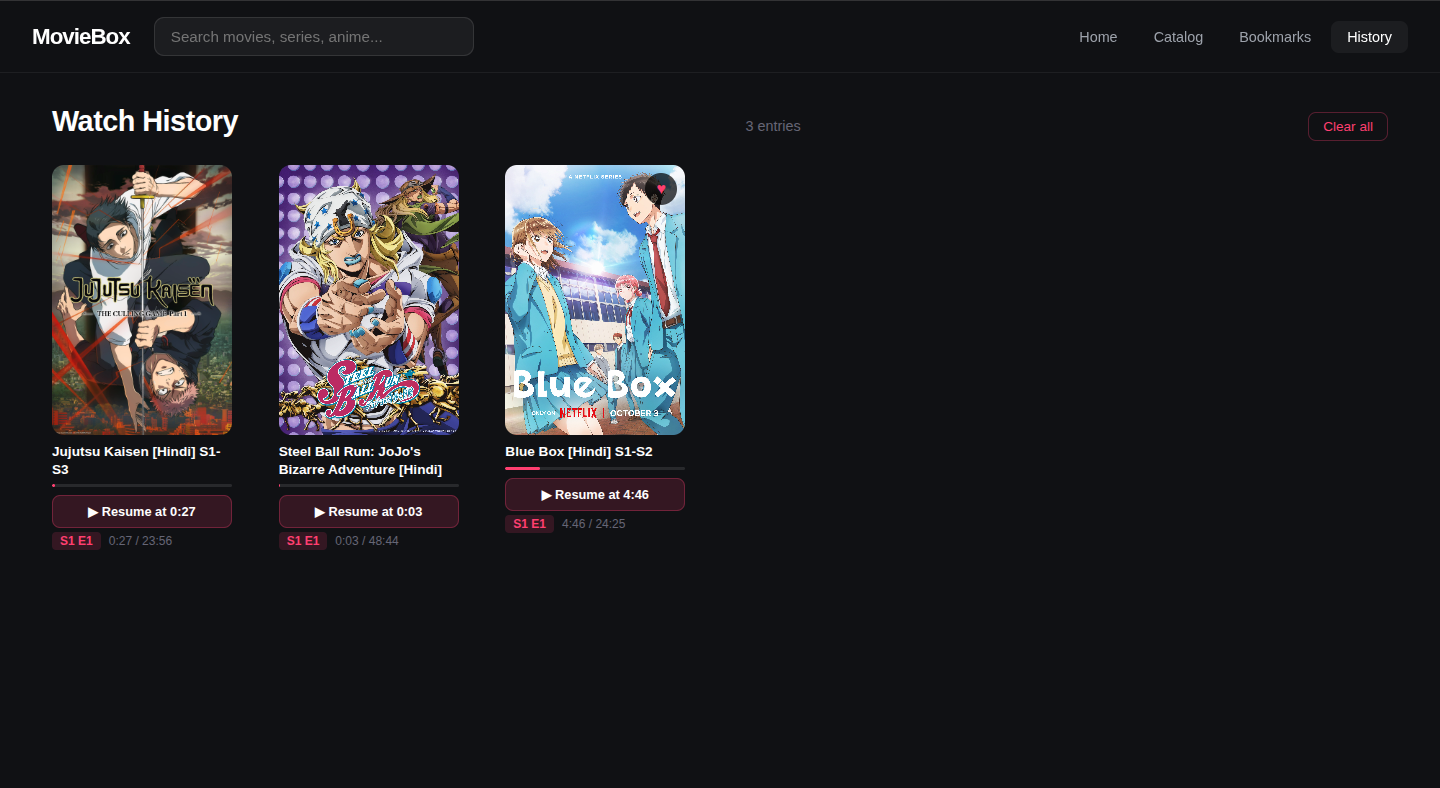
Watch History
Every play session saves progress to localStorage under mb_history. The
History page lists every entry with a progress bar, “Resume at M:SS” button,
and season/episode badge. Resume opens the player directly at the saved
timestamp.
Regenerating
If the UI changes, re-capture screenshots at 1440×900 with browser zoom at 100% and no chrome visible (use the browser’s “hide UI” or devtools screenshot mode). Keep the file names the same so this README stays in sync.
Suggested tool for consistent captures:
```bash